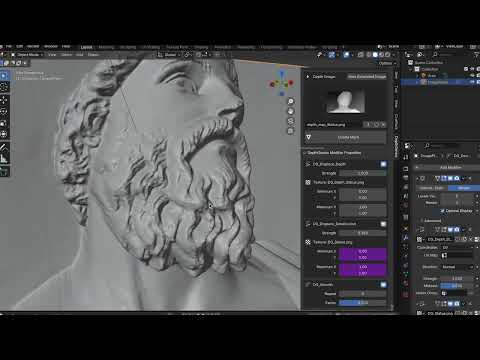
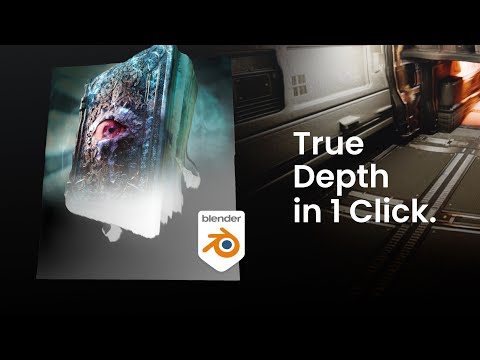
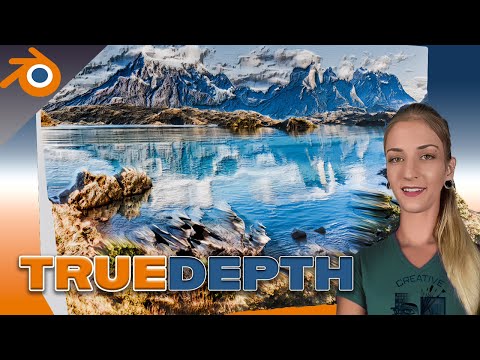
Introducing True Depth! 2D to 3D in One Click! ✅ TrueDepth generates incredibly detailed depth maps from any image or video file using an advanced AI model, which is used to accurately and automatically displace into 3D geometry, with just one click! The model runs locally on the users hardware either on the CPU or the GPU. (use GPU for faster results) Breathe life into what would usually be boring flat images! Using the power of depth, you can bring 2D images into your 3D environments. Meaning they will react realistically to lights, cast shadows, have depth-of-field... the list goes on! The only limits are your imagination. Extract geometry from ANY image or video! You have Complete Control 🛠️ Inside the Add-On UI you can control: CPU / GPU Options Import Images or Video Files AI Model Size (S, M or Large) NEW: Now Supports PNGs with Alpha Channels NEW: Add Base Button + Size Controls NEW: End Cap ON / OFF Button NEW: Boolean Geometry Removal Options Depth Map Save Location Color Pallet Options Tilt Correction Displacement Strength Texture Controls Detail Displacement Smoothing Controls and MORE! Perfect for 3D Printing Enthusiasts! 🖨️ With the NEW 'Add Base' button you can solidify your geometry ready for 3D printing! - Control the size of the base and add / remove end cap within the UI. - Remove unwanted geometry with the new Boolean Geometry Removal Tools - Added support for images with Alpha Channels to add / remove Once happy with your creation simply apply all modifiers, then export the model as an .OBJ You can now import that model into any major 3D printing software for printing!
- 1910Просмотров
- 6 месяцев назадОпубликованоLewis Martin
TrueDepth - Blender Addon Overview
Похожее видео

Популярное
Новини