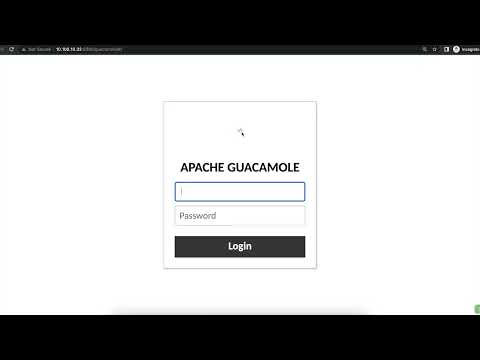
📌 Learn how to install and configure Apache Guacamole on Ubuntu for remote desktop access (RDP, SSH, VNC) via a web browser! 🚀 🔹 In this tutorial, you’ll learn: ✅ How to install Apache Guacamole on Ubuntu ✅ How to configure the Guacamole Web App ✅ How to Set up Database Authentication For Guacamole ✅ Access Apache Guacamole Dashboard ✅ Change Guacamole Admin Password via Dashboard 💡 What is Apache Guacamole? Apache Guacamole is a clientless remote desktop gateway that allows you to access your systems from any web browser without needing client software. It supports RDP, SSH, and VNC! ⚡ Why Use Apache Guacamole? 🔹 No client software needed – Access via a web browser 🔹 Supports RDP, SSH, and VNC for multiple OS connections 🔹 Secure remote access with encryption & authentication Also, you can check for the blog guide steps here: 📢 Support the Channel! 👍 Like this video if you found it helpful! 💬 Comment below if you have questions or need help! 🔔 Subscribe for more Linux and Ubuntu tutorials!
- 2713Просмотров
- 10 месяцев назадОпубликованоOrcacore
How to Install and Configure Apache Guacamole on Ubuntu 24.04 | Remote Desktop Access
Похожее видео





Популярное
Новини