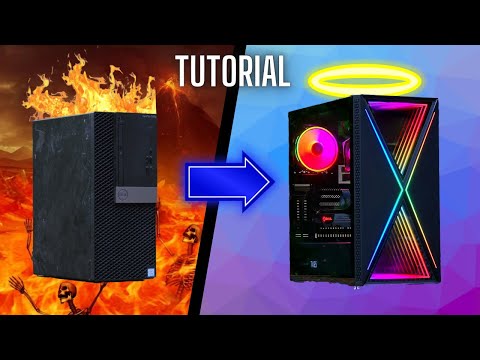
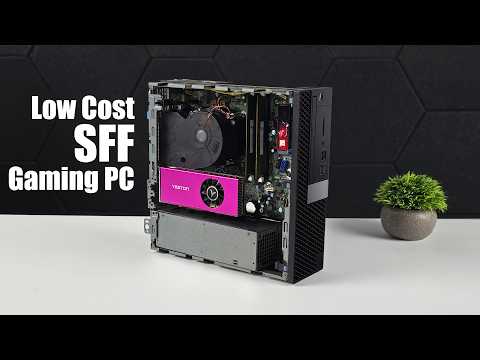
Sit back, relax, and enjoy a classic ASMR office PC upgrade as I take you through the whole process of transforming an $80 office PC into a gaming beast with unique RGB effects. 3D model files: - Side door and Fan bracket: - 92mm to 80mm fan conversion bracket Items used: AliExpress - 500W D500EPM-00 Power Supply Replacement - Thermalright TL-P9-S CPU Fan ARGB 92mm - Jonsbo CR-1400 CPU Cooler - ARGB/PWM Fan controller - M3x5x5 Female threaded insert nut - M3x5 Screws Amazon - 500W D500EPM-00 Power Supply Replacement - Thermalright TL-P9-S CPU Fan ARGB 92mm - Jonsbo CR-1400 CPU Cooler - Gigabyte RTX 4060 - Dell 3060 MT - ARGB/PWM Fan controller 0:00 Introduction 0:30 Let's start! 0:47 Removing the front drive bay 1:20 Upgrading CPU cooler 3:26 Upgrading 500W PSU 4:33 Upgrading RAM 5:04 Fan Bracket and Side Panel 3D Mdel Design 5:54 Installing Case fans 9:22 Installing GPU 9:50 Installing 3D printed Side panel 11:24 Done 12:11 CPU and GPU Stress test 12:48 Gameplay testing Description: Want to breathe new life into your old office PC and turn it into a 1080p gaming powerhouse? Look no further! In this video, we'll show you how to upgrade your outdated office computer with an RTX 4060 graphics card, unlocking a world of smooth gaming performance. From Fortnite to Call of Duty, we'll put this office PC turned gaming beast to the test and see just how well it can handle the latest games at 1080p. So, if you're tired of playing games at subpar frame rates and want to experience the thrill of PC gaming without breaking the bank, then this video is for you!
- 35532Просмотров
- 9 месяцев назадОпубликованоITG Gear
From Office to Overkill: Transforming a Boring PC into a Gaming Beast
Похожее видео


Популярное
Новини