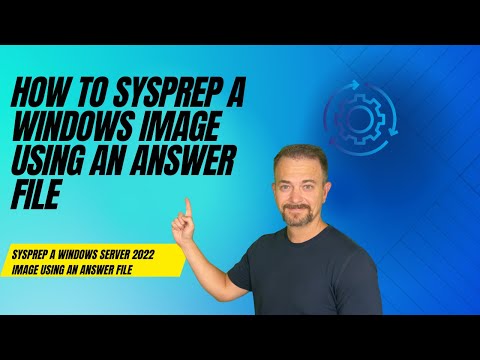
Get started building your own sandbox in 6 steps - Blog post - This video is a demo of building an answer file and then performing an unattended installation of Windows Server 2022. 00:00 - Start 00:40 - Demo prerequisites 01:30 - Install Windows ADK and WinImage 02:41 - Download the answer file 03:33 - Windows System Image Manager 07:22 - Reviewing the answer file components 17:56 - Create floppy disk image 19:09 - Windows Server 2022 install 24:42 - Thanks!
- 24377Просмотров
- 2 года назадОпубликованоAutomateSQL
How to create Windows Answer Files for Unattended Installations
Похожее видео








Популярное
Новини