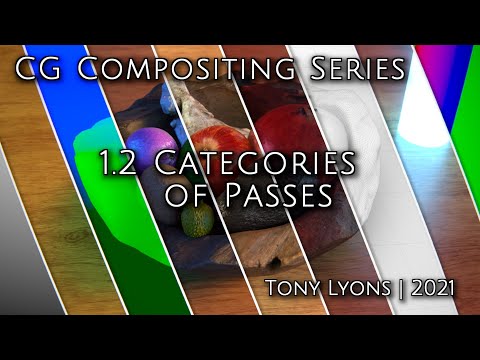
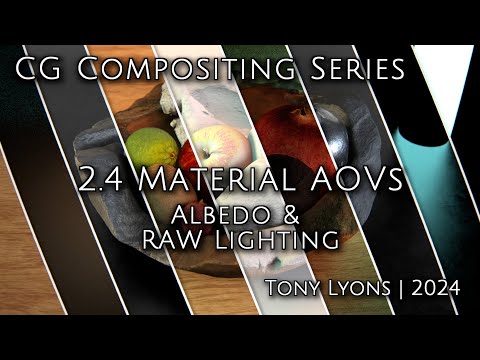
This is the first video in the CG Compositing Series I will cover What CG compositing hopes to accomplish, and Why we need passes to help us manipulate our CG 00:00 - intro 00:35 - What is a CG multi-pass Render? 00:50 - Why do we need it? 02:25 - Intro to Fruitbowl and practical use of passes 04:07 - Terms and Definitions 04:58 - Nuke Script SourceImages 05:40 - Stamps 07:35 - Different types of Renderers 10:16 - Default Renderers and 3rd Party 11:32 - Most Common Renderers in 2021 12:45 - Renderers Used in this Series 13:32 - Inspiration and Credits 15:40 - Intro to CG assets in script 17:30 - Ways to View Render Passes 28:45 - Layers vs Channels 40:09 - AOVs 42:11 - Difference Between Renderers 43:39 - Basic AOV rebuilds 46:54 - Basic Rebuld Equations per Renderer 47:48 - Outro Please visit the blog post for the full write up, sources and downloads accompanying each video. Or Head to my Compositing Blog for more posts and videos: --- Download the FruitBowl Renders for the Series My Friend and fellow artist, Chase Bickel, has kindly provided us with some high quality renders of a FruitBowl to download for free and play around with. Download the FruitBowl renders now, or I will always post the links at the top of each video and blog post for you to download later: You can Choose to either download all 3 FruitBowls at once: ( GB) Or Each FruitBowl Render Individually for faster downloads: (569.1 MB) (562.8 MB) (515.4 MB) You can place the FruitBowl renders files into the /SourceImages/ folder of the project files folder accompanying each video and nuke will reconnect the read nodes. Head to the blog post for more details. Please remember, Basics -- Advanced -- Template, the series will dive into some very deep topics, so it's good to cover these fundamentals
- 22135Просмотров
- 4 года назадОпубликованоCompositingMentor
CG Compositing Series - 1.1 What And Why
Похожее видео

Популярное
Новини