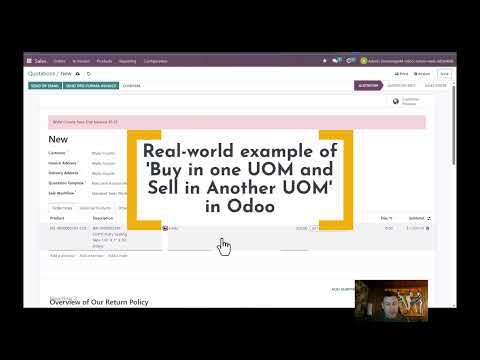
Steps to Return Product and Refund Payment in Odoo Sales Return the Product 1. Open the Sales Order and click on the Delivery Smart Button to find the product delivery 2. Click Return At the top left area of your screen a. In the Reverse Transfer popup click RETURN button 3. Now click Validate to confirm the return of the product to stock then click Confirm in the popup alert Now a WH/RET (Warehouse Return) record is created Refund the Customer 1. Open the Sales Order and click the Invoice smart button to go to the Invoice 2. Click Add Credit Note in top left area of your screen 3. Add a Reason for the refund in the Credit Note popup. Click Confirm button 4. Now Click Confirm and Register Payment to register the refund payment to the customer 00:00 Introduction 00:10 Set Up a Test Sale 02:09 First Return the Product to Stock 05:39 Refunding the Customer 09:59 Quick Review of the Return & Refund Proc 10:09 Quick Explaner of Item Retrun Process 10:42 Quick Explainer of the Payment Refund
- 1988Просмотров
- 2 года назадОпубликованоClick Theory
How to Process a Product Return & Payment Refund in Odoo
Похожее видео










Популярное
Новини