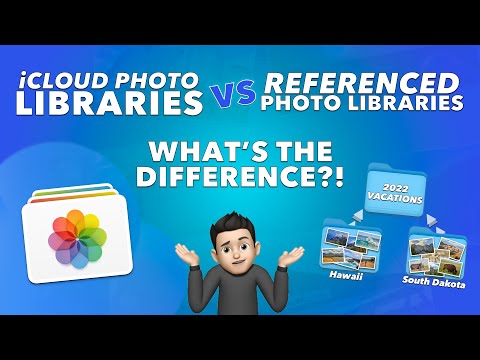
This in-depth video walks through a few different options of how to merge Photo Libraries together. Lots of different options depending on your situation. If you're using iCloud Photos, I highlight four different ways to merge photo libraries: Option 1: Exporting and Importing Option 2: Using Finder and Package Contents Option 3: Using third party app PowerPhotos Option 4: Using iCloud Photo *Always make sure you have a backup of your Photos Library. If you're attempting a merge using the iCloud Photos method, also make sure that you have it set to download all the original files prior to merging and verify that you have everything on a hard drive! 00:00 | Intro & Welcome Back! 00:34 | Why you would need to Merge Photo Libraries 01:01 | How to find Photo Libraries on your Mac 02:51 | Referenced Photo files in Libraries 04:38 | Merging Libraries by Exporting and Importing 11:10 | Merging Libraries by opening Package Contents in Finder 14:53 | Merging Libraries by using third party app: PowerPhotos 17:45 | Merging Libraries by using iCloud Photos LINK TO PowerPhotos: #iCloud #Apple #Photos #iPad #iPhone #Mac #Applephotos #joelfeld #learnwithjoel If you have a video suggestion, let's chat! –––––––––––––––––––––––––––––––––––––––––––––––––––––––––––––––––––––––––––––––––– CHECK OUT MY FAVORITE TECH GIZMOS AND GADGETS: We are a participant in the Amazon Services LLC Associates Program, an affiliate advertising program designed to provide a means for us to earn fees by linking to and affiliated sites. As an Amazon Influencer I earn from qualifying purchases from some of the links above. SOCIAL MEDIA: Instagram: Facebook: Website:
- 234587Просмотров
- 4 года назадОпубликованоLearn with Joel Feld
How to MERGE and COMBINE Apple Photos LIBRARIES - EVERYTHING YOU NEED TO KNOW!
Похожее видео










Популярное
Новини