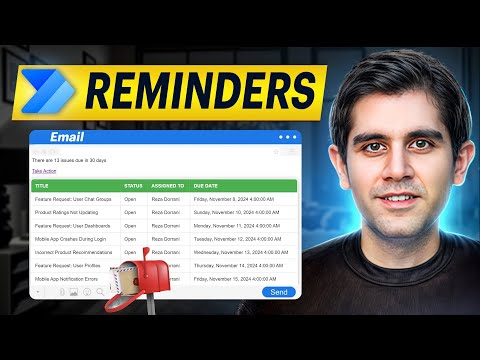
Deadlines can sneak up on anyone, but with Power Automate, you can send automatic reminders before a task is due. In this video, I show you how to create a scheduled flow that checks your SharePoint tasks daily and sends email or Teams reminders exactly when you need them. Learn how to: - Create a scheduled cloud flow in Power Automate - Pull items from a SharePoint list - Check deadlines dynamically using formatDateTime - Send automated emails or Teams notifications - Stay on top of tasks without manual tracking Start automating your Microsoft 365 tasks today and never miss an important deadline again! Chapters: 0:00 – Introduction & Why Automate Deadlines 0:23 – Creating a Scheduled Cloud Flow 0:38 – Adding “Get items” from SharePoint 0:53 – Using “Apply to each” to loop through tasks 1:04 – Setting up the Condition for deadlines 1:58 – Configuring the reminder email or Teams message 2:46 – Testing the flow 3:08 – Wrap-up & Tips
- 1394Просмотров
- 3 месяца назадОпубликованоAutomate M365
Power Automate Tutorial: Automatically Send Deadline Reminders from SharePoint Lists
Похожее видео










Популярное
Новини