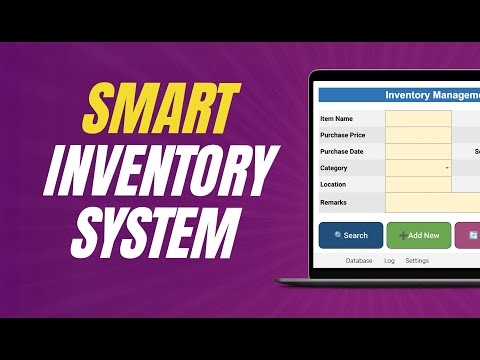
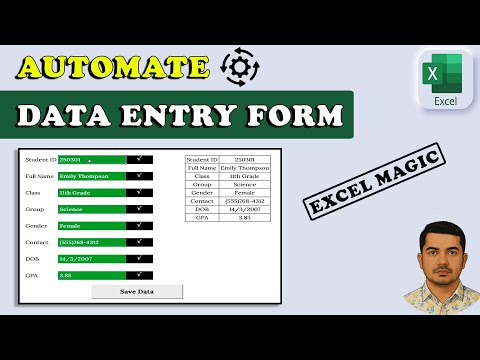
Turn simple data entry into an automated Excel system that builds a structured database for you. 👩🏫 Join my Excel Expert course: ⬇️ Download the template here and follow along: You fill out a simple form: name, email, service they’re interested in, industry, date, and some notes. Click one button, and your client is automatically added to a structured, searchable database. From here you can sort and filter entries by date, industry, or service, etc. and connect the data to automatic reports to get insights into your clients at a glance. And while I’m using a client database to demonstrate how it works, this same system can be adapted for many tasks like: inventory management, expense tracking, employee information, project management, and loads more. If your work involves capturing and organizing information, and you can’t afford a full blow SQL database or similar, this automatic Excel database will save you time, reduce errors, and simplify your workflow. LEARN MORE =========== 📰 EXCEL NEWSLETTER - join 450K+ subscribers here: 🎯 FOLLOW me on LinkedIn: 💬 EXCEL QUESTIONS: Get help on our Excel Forum: ⏲ TIMESTAMPS ============== 0:00 Where you can use this system 1:00 Step 1: Creating a form 4:42 Step 2: Creating a database 7:56 Step 3: Making it automatic 12:39 Step 4: Improving interface 14:33 Step 5: Avoiding duplicates 17:00 Step 6: Protecting the sheet 19:26 Get a free automated invoice template #Excel #ExcelTemplate #ExcelTutorial
- 205756Просмотров
- 2 месяца назадОпубликованоMyOnlineTrainingHub
The Automated Database in Excel You’ll Actually Use (Free Template)
Похожее видео










Популярное
Новини