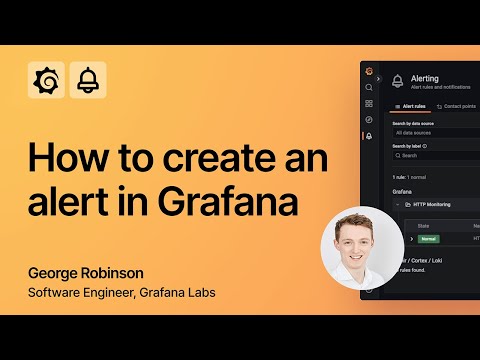
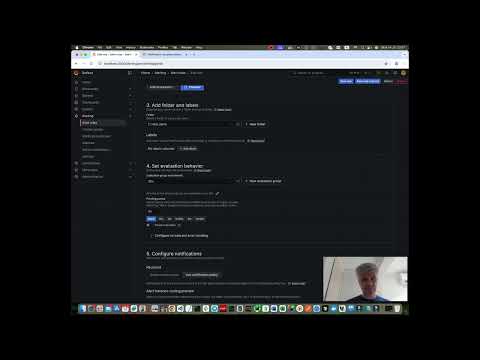
When observing your data with Grafana, you don't need to be glued to your dashboard 24/7. Join Senior Developer Advocate, Lisa Jung to learn how to set up Grafana to keep an eye on your data and alert you if something needs your attention! The following are covered in this episode: 0:00 Start 1:04 3 steps to creating alerts 1:24 Define an alert rule 10:29 Set up contact points 11:48 Set up notification policy 14:43 View alerts in a dashboard 16:11 How to access the Grafana for Beginners Playlist 16:26 Access the blog page to learn more about Grafana RESOURCES Expressions documentation Manage your alerts documentation Customize notifications documentation Check out our advanced alerting tutorial for more insights and tips. ☁️ Grafana Cloud is the easiest way to get started with Grafana dashboards, metrics, logs, and traces. Our forever-free tier includes access to 10k metrics, 50GB logs, 50GB traces and more. We also have plans for every use case. Sign up: ❓ Check out the Grafana community forums: ----- 👍 If you found this video useful, be sure to give it a thumbs up and subscribe to our channel for more helpful Grafana videos. 📱 Follow us for the latest and greatest on all things Grafana and our other OSS projects. X: LinkedIn: Facebook: #Grafana #Observability
- 69943Просмотров
- 1 год назадОпубликованоGrafana
Creating alerts with Grafana | Grafana for Beginners Ep 11
Похожее видео






Популярное
Новини