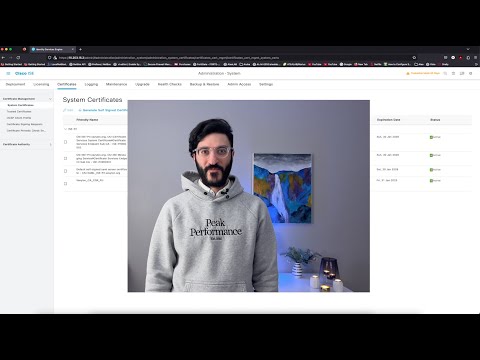
Learn how to monitor your network and deal with unauthorized devices using ISE Profiling. In this demonstration, Rafael Leiva-Ochoa, the Instructional Design & Training Manager, explains how to limit or restrict network access for unauthorized devices. Learn more by completing the Cisco ISE Posture tutorial on Cisco U. Step 1: Navigate to the Profile Configuration Activate Profiling Step 2: Enable Profiling Probe, and Device Requirements Apply New Profile Conditions to the Authorization Rules. Step 3: Verify the Results using the Logging CHAPTERS 2:09 Step 1 5:00 Step 2 8:00 Step 3 ✨ Subscribe for more tech videos! @CiscoUtube ✨ Learn more about Cisco U. Create a Cisco U. Free Account: FOLLOW US ON SOCIAL X (Formerly Twitter): Facebook: Instagram: LinkedIn:
- 6711Просмотров
- 1 год назадОпубликованоLearn with Cisco
ISE Profiling
Похожее видео




Популярное
Новини