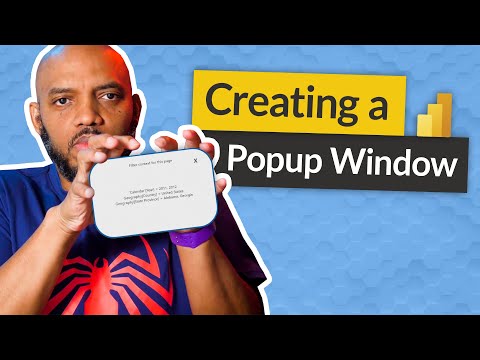
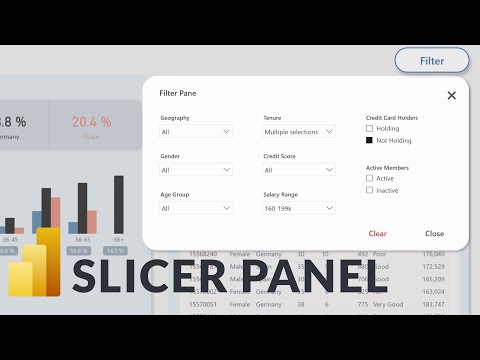
In this video, we'll explore how to use popup windows in Power BI reports to provide additional information and enhance interactivity. We'll cover the steps for creating a popup window, adding visual elements to it, and configuring its appearance and behavior. Whether you want to display details on demand, help users navigate through a report, or simply make your reports more engaging, popup windows can be a powerful tool in your toolbox. 👍 If you enjoy this video and are interested in formal training on Microsoft Teams, Power BI, Power Apps, Azure, or other Microsoft products you can visit for 40% off On-Demand Learning! 00:00 Introduction to Pop-up Windows in Power BI Reports 03:19 Building Text Pop-up 05:16 Tying Bookmarks to Buttons for Text Pop-up 07:48 Building Slicer Pop-up 10:49 Adding Content to Slicer Pop-up 13:35 Creating Bookmarks and Adjusting Settings for Slicer Pop-up -- - - - - - - - - - - - - - - - - - - - - - - - - - - - - - - - - - - - - - - - - - - - - -- - - - - - - - - - - - - - - - - - - - - - - - Next step on your journey: 👉 On-Demand Learning - Start With The FREE Community Plan: 🔗Pragmatic Works On-Demand Learning Packages: 🔗Pragmatic Works Boot Camps: 🔗Pragmatic Works Hackathons: 🔗Pragmatic Works Virtual Mentoring: 🔗Pragmatic Works Enterprise Private Training: 🔗Pragmatic Works Blog: Let's connect: ✔️Twitter: ✔️Facebook: ✔️Instagram: ✔️LinkedIn: ✔️Discord: Pragmatic Works 7175 Hwy 17, Suite 2 Fleming Island, FL 32003 Phone: (904) 638-5743 Email: training@ #PragmaticWorks
- 31150Просмотров
- 1 год назадОпубликованоPragmatic Works
Popup Window in Power BI Reports
Похожее видео








Популярное
Новини