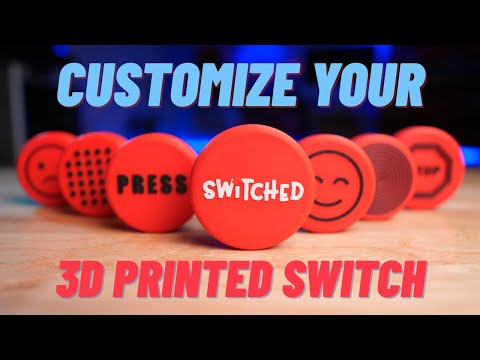
Learn how to add texture and color to your 3D models in Bambu Studio! In this video, I’ll show you step by step how to import an SVG texture, adjust thickness and rotation, and apply different colors to each part of your model. Perfect for beginners who want to make their 3D prints look more realistic and professional. 🎨 Topics covered: • Adding SVG textures • Adjusting texture size and thickness • Using “Use surface” option • Coloring different parts of the model
- 1635Просмотров
- 1 месяц назадОпубликованоBambu 3D Design
How to Add Texture and Color to 3D Models in Bambu Studio
Похожее видео



Популярное
Новини