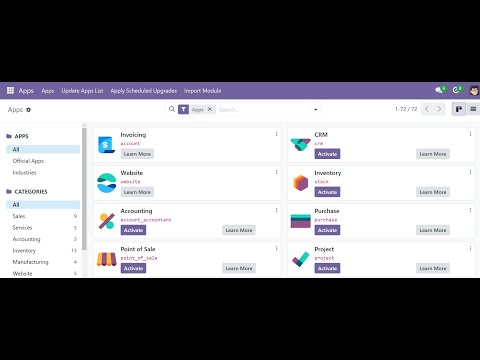
00:00 Intro and Demo 01:15 Benefits of using Docker 01:44 Installing Docker Desktop 02:10 About Docker Compose 02:30 Creating Necessary Directories 02:50 Setting up Docker Compose 04:53 Docker Volumes Explained 06:40 DB init Command 07:17 Setup 07:37 Custom Website Module 07:50 Running Containers 09:27 Useful Flags for Dev 10:02 Recreating the Containers 10:30 Testing --dev=xml Flag 10:55 Restarting Docker Container 11:08 Cleaning up Docker Environment Article followed in this video: This video goes over Odoo setup on Windows using docker compose, running multiple Odoo containers with different version, creating postgres container and user, database initialization using docker command, Odoo config file, adding custom modules, development environment for custom modules, useful dev flags, and persistent data using docker volumes. Here are some of the benefits for using Docker: ~~ Containers come with dependencies pre-installed ~~ Run multiple Odoo applications simultaneously ~~ Run multiple Odoo applications with different versions ~~ Single command to create/destroy Odoo instances ~~ Lightweight and fast This video was inspired by a comment from @ahmedharoon2740 (shoutout). If you have any suggestions or improvements, let me know in the comments! Support the channel:
- 6544Просмотров
- 9 месяцев назадОпубликованоOpen Source Hustle
Odoo 18 (or other versions) Setup on Windows using Docker and Develop Custom Modules with VSCode
Похожее видео





Популярное
Новини