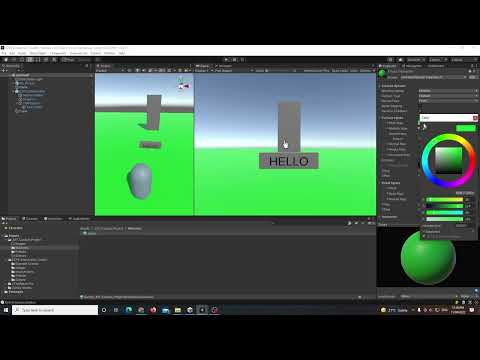
This video shows you a full walkthrough (including code explanations) of how to import and use humanoid animations and models from Mixamo in Unity 3D. Quite a long video. Chapters below: 0:00 Introduction for animated characters 1:52 NMA Walk Towards: Quick animation system overview 2:22 Animating using primitives 3:04 Introduction to Mixamo 5:14 Using Mixamo animations in Unity 6:37 Enabling looping animations for Mixamo models in Unity 7:47 Applying animated graphics to a Navmesh Agent 09:23 Setting up the Animator state machine; transitions and conditions 11:30 Adding float a parameter to the Animator state machine 11:41 Making a state transition 12:19 Manually controlling the Animator state machine 14:17 Using the NMA Walk Towards script to control the Animator state machine 15:00 NMA Walk Towards script: code explanation 16:18 Adding idle animation to the same Mixamo model 17:52 Downloading the Mixamo animation only (without the model or skin) 20:42 Using a different Mixamo model with pre-existing animations 23:47 Extract textures and materials for Mixamo model FBX Full EZPZ Toolkit Playlist: Github Link:
- 165Просмотров
- 4 недели назадОпубликованоBibo Bee
Importing and Using Mixamo (Humanoid) Animations and Models in Unity 3D (EZPZ Interaction Toolkit)
Похожее видео






Популярное
Новини