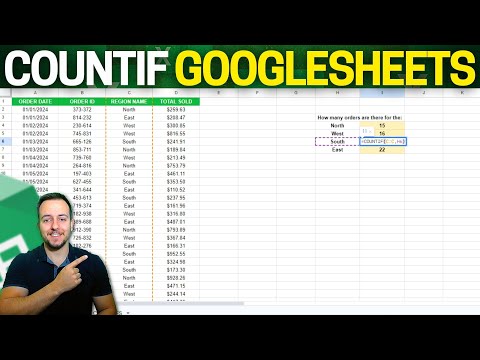
How do you do a COUNTIF formula in Google Sheets? COUNTIF is really helpful when you have data and want to count how many records based on a certain condition. It is a simple calculation. So, in cell I5 enter =COUNTIF( and here you will notice that the formula is asking for a range and a condition. The range will be the column that you are trying to count. For us it is the range Age Group in Column F. So, we will select the range by clicking on F5 and then hit CTRL + Shift + down arrow to :F67 and add the strings to hold that range when we copy down to the other buckets. The second item the COUNTIF function needs is the condition. So, enter ,H5 to select 0 in the age group bucket. So, here I am counting how many times the formula sees 0 in the age group data in column F. and the answer is 5. When we hit enter the suggested autofill pops up and we want to hit the green checkmark to paste to the remaining buckets. Get a copy of the practice sheet: and watch the video here to learn how to take a table of data and understand it with a pie chart. music by
- 72Просмотров
- 11 месяцев назадОпубликованоSmallBusinessCOO
How do you do a COUNTIF formula in Google Sheets?
Похожее видео








Популярное
Новини