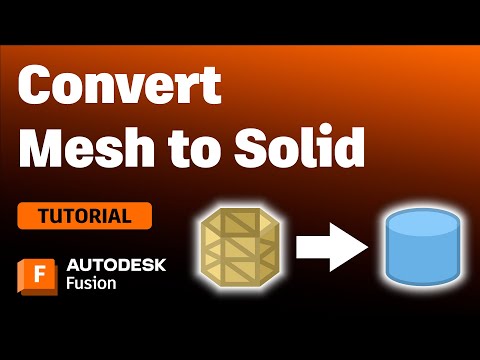
#AutodeskPartner Thanks to @autodesk for sponsoring this video! Learn how to Convert STL Mesh files in @adskfusion, including the Faceted, Prismatic, and Organic conversion methods. In this lesson, we’ll also share some secrets to cleaning up mesh facets and will answer some of the most common STL questions. 30% off Autodesk Fusion: Clean up & rebuild STL facets: Edit mesh files without converting (video): Support our free tutorials PayPal - Patreon - Say Thanks w/Coffee - Tutorial Resources 1. Resources - 2. Checklist for Fusion beginners: Our Top Fusion Playlists 30 Days Series (latest) - Woodworkers - 3D Printing - T-splines - SUBSCRIBE (& Hit the Bell!) Product Design Online links: ━━━━━━━━━━━━━ PDO Website: PDO Academy: Fusion beginners PDF: Fusion hotkeys PDF: Timestamps 00:00 - STL to Solid Fusion 360 00:19 - Insert Mesh in Autodesk Fusion 360 00:54 - About STL, OBJ, and 3MF files 02:05 - Convert Mesh feature in Autodesk Fusion 360 03:02 - 3 Types of Mesh Conversions in Fusion 360 03:43 - What is Generate Face Groups in Fusion 360? 04:38 - Prismatic conversion explained in Autodesk Fusion 05:06 - Faceted conversion explained in Autodesk Fusion 05:32 - Comparing Faceted vs Prismatic results Fusion 360 05:37 - Secrets to cleaning up mesh triangles in Fusion 360 06:33 - Organic conversion explained in Autodesk Fusion 06:54 - Why STL is 10 times larger in Fusion 360 (solution) 07:20 - Why STL export takes so long in Fusion 360 (solution) 07:50 - Why didn’t threads export from Fusion 360 (solution) 08:11 - Recommended playlist: Fusion for 3D Printing — #Fusion360 #ProductDesignOnline #fusion #autodesk #AutodeskPartner #autodesk24
- 93807Просмотров
- 1 год назадОпубликованоProduct Design Online
Convert STL Mesh to a Solid Body in Autodesk Fusion (2024)
Похожее видео






Популярное
Новини