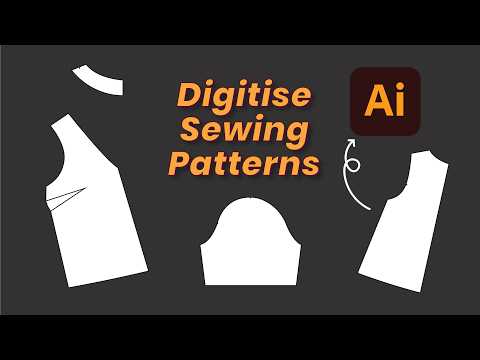
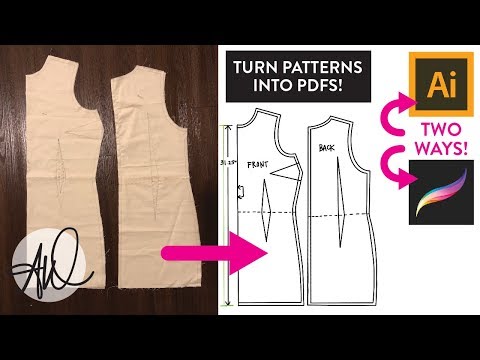
📣 SPONSORED BY CRAFTSY The first 1,000 of my subscribers to click this link will get a full year of Craftsy Premium for just $ ! (valid for new members only) → Turn Your Draped Designs into Digital Sewing Patterns | Adobe Illustrator Tutorial In this video, I’ll show you how to digitize your fashion drapes into professional, printable sewing patterns using Adobe Illustrator! Whether you're working on corset designs, dressmaking, or custom garments, learning to digitize your patterns is essential for precision, scalability, and repeatability in fashion design. 🧵 What You’ll Learn: 00:00 Intro 00:07 Tools you need to get started 00:27 Setting up your Illustrator workspace 00:37 Importing and scaling your pattern photo to true size 01:18 Tracing your drape with the Pen Tool 01:52 Smoothing and refining curves 03:23 Truing seams for perfect fit 04:16 Adding annotations, grainlines, and seam allowances 06:27 Measuring curved seams with Adobe’s Dimension Tool 07:52 Preparing your pattern for printing 🧰 Tools & Software Used: Adobe Illustrator (Creative Cloud) Cutting mat or grid ruler Phone or camera Your original draped pattern 🎁 Free Pattern Label Template: 📦 Want to sew the corset from this pattern? Let me know in the comments! 💡 Whether you’re a beginner fashion student, DIY sewist, or aspiring patternmaker, this tutorial breaks down each step in a way that's easy to follow and implement immediately. 🔔 Don’t forget to like, comment, and subscribe for more couture tutorials, digital sewing tips, and beginner-friendly fashion design videos. 🧵 Happy sewing! #PatternMaking #AdobeIllustrator #DigitalSewingPatterns #CorsetMaking #FashionDesign #SewingTutorial #SewingForBeginners #Craftsy #DrapingToPattern
- 8875Просмотров
- 7 месяцев назадОпубликованоDominique Alyse Studios
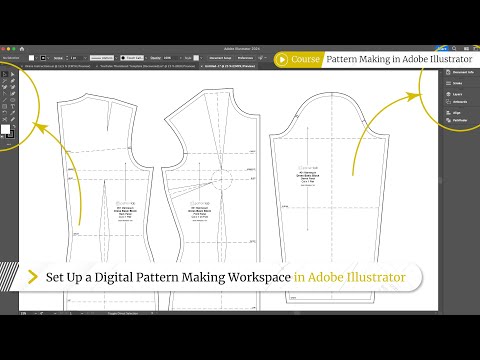
BEGINNER GUIDE to PATTERN MAKING in Adobe Illustrator + Free Template
Похожее видео



Популярное
Новини