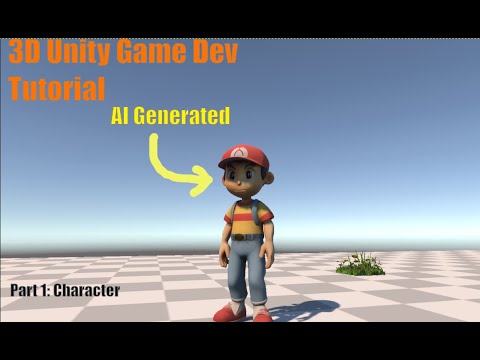
#Unity #GameDev #Animation #AI #Tutorial #VideoToMotion #Unity6 #IndieDev In this quick Unity tutorial, I’ll show you how to use the new AI “Video to Motion” feature in Unity 6.2 to turn a real-life video clip into a fully usable animation for your 3D characters — no motion-capture suit required! I’ll walk you through recording a simple movement, generating the animation, and importing it into Unity so it can be added to your character’s Animator Controller. 🎬 Tools used in this video: • Unity 6.2 (Video-to-Motion AI feature) • Mixamo (for rigging if needed) 🕹️ What you’ll learn: • How to record and prepare a reference video • Generating motion data from video automatically • Applying the animation to your in-game character • Tips for cleaning up and looping your animation ⚙️ If you’re following my Unity AI Game Dev series, this is the same technique I used to improve Gary’s jump animation in Part 6 — it makes character movement look far more natural! 0:00 Intro 0:11 Video to Motion Documentation 0:58 Install Unity AI packages 1:47 Generate AI Animation 3:28 Trim Animation 4:32 Part 6 sneak peek 📺 Watch the full Unity AI Game Dev playlist here:
- 634Просмотров
- 1 месяц назадОпубликованоBuilding Aeon
Turn Real Video Into a Unity Animation with AI (Unity 6 Tutorial)
Похожее видео

Популярное
Новини