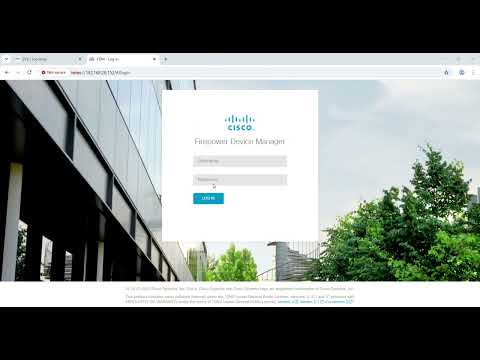
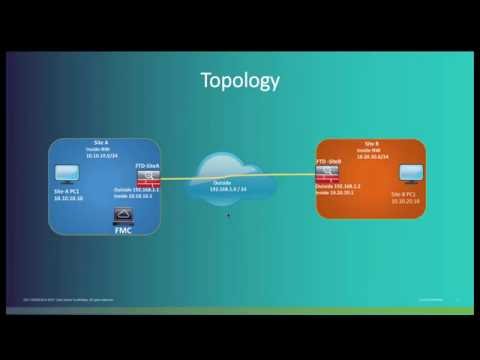
In this Cisco Tech Talk, we show how to register a Firepower Threat Defense (FTD) device to Firepower Management Center (FMC) using a data interface instead of the traditional management port. This approach is ideal in NAT or segmented environments where the management path is restricted. Related links: Cisco Secure Firewall Overview → Cisco FMC Configuration Guide → What you’ll learn in this video: – How to configure FTD to communicate with FMC using a data interface – Best practices for licensing and NAT traversal – How to troubleshoot connectivity and registration issues This method provides flexibility when deploying in environments where dedicated management access is not available or secure. Learn more: Cisco Official Site → Cisco Products & Services → Cisco Solutions → Contact Us → Follow Us on Social Media: Cisco LinkedIn → Cisco Twitter → Cisco Instagram → Cisco Facebook → Got questions or insights? Drop them in the comments—we'd love to hear from you! Don’t forget to like, subscribe, and hit the bell icon to stay updated on the latest with Cisco. #Cisco #FTD #FMC #Firewall #CiscoTechTalk #DataInterface #SecureAccess #FirewallManagement
- 10959Просмотров
- 2 года назадОпубликованоCisco
Register FTD to FMC Using a Data Interface | Cisco Secure Firewall Configuration
Похожее видео

Популярное
Новини