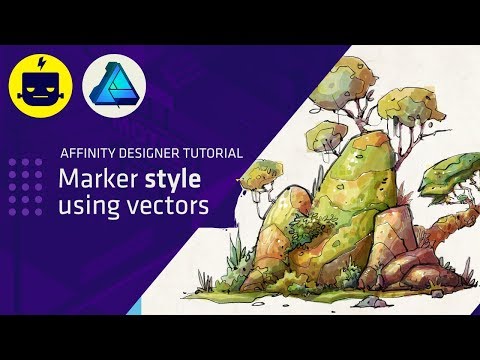
To celebrate the launch of VOLT Vector Brushes for Affinity Designer, we're giving away a free 'quickstart' mini pack taken from the set so you can follow along with this tutorial (links below) We cover every step of the process in detail and show you some of our most used shortcuts and tricks when creating vector illustrations (including a quick, 2 minute Pen Tool crash course). So use the chapter markers to jump around and check out the links below for the FREE tutorial brush pack download - and please do also check out the full VOLT pack as it's crammed full of... well, everything :) _______________________________________________ 00:00 Introduction 00:17 FREE Brushes + launch of Volt Vector 00:48 Initial Doc Setup 01:23 Pen Tool crash course 03:29 Creating the main shapes 05:21 Adding strokes and colours 06:43 Benefits of global colours 07:07 Back to strokes and fills 08:29 'Paste inside' and layer ordering 10:24 Detailing the tank treads 11:34 Adding more shadows 12:31 More detail! 15:02 Adding texture magic 15:39 Check out the full version of Volt! Correction: 07:50 Shortcut is *CMD + SHIFT + V* (not c!!) -------------- VOLT - Vector Brushes for Affinity Designer -------------- Check out the VOLT trailer! ► Full version link: ► FREE Mini pack link: ► -------------- Full version includes: Over 150 vector brushes in a range of styles 26 Monoliners 24 Duoliners 23 Trioliners 38 Multiliners 52 Patterns 48 Object styles (stroke / colour / texture) Quickstart + full brush reference PDF guide Tutorial Video Tutorial Source Affinity Designer file (plus initial sketch) Tutorial Brush Pack (small selection from main brushes) 13 Colour Palettes 10 One-click-wonder seamless paper textures
- 28663Просмотров
- 2 года назадОпубликованоGreen Room Media
FULL Affinity Designer Vector Illustration Tutorial (with FREE BRUSH PACK!)
Похожее видео





Популярное
Новини