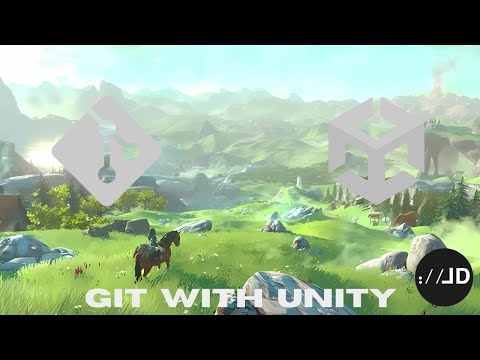
Using version control is vital for game developers (even if you're solo!), enabling efficient collaboration and easy tracking of changes. In this video, Thomas provides step-by-step instructions to set up our VCS of choice, Git, set up Unity, and push your local changes to a remote repository. Download files used: - gitignore: - gitattributes: Timestamps: 00:00 You need version control 00:43 Why Git exactly? 02:39 Installing Git 04:51 Setting up Git for Unity 07:52 Committing your changes 11:40 Pushing to a remote 14:13 Git GUIs 14:47 Outro --- Wishlist our game now on Steam: Join our Discord: Get 1-to-1 coaching for your game or studio: In need of some Unity Assets? Use our affiliate link to support us, it's free, and we get a small kickback: Want to reach out to us? send us an email at hello@
- 15753Просмотров
- 2 года назадОпубликованоBiteMe Games
Using Unity with Git in 15 minutes
Похожее видео







Популярное
Новини