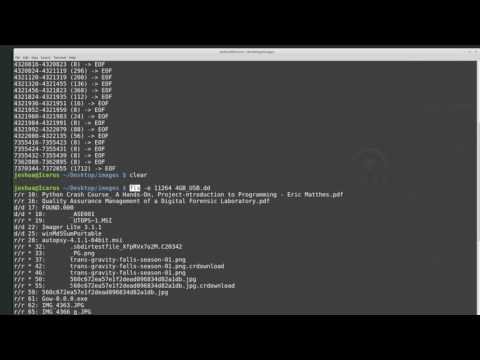
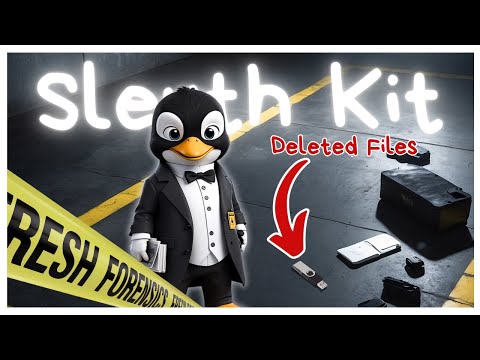
Basic intro to The Sleuth Kit command line tools with two example use cases ♥️ SUBSCRIBE for more videos: Difficulty Level: Beginner to Intermediate Prerequisites: basic understanding of linux command line Prerequisites: basic understanding of filesystems In this video, we will look at The Sleuth Kit (TSK), a library and collection of command line tools that allow one to examine disk images. TSK is used to find evidence within digital evidence and the library has been used in conjunction with larger DFIR tool kits. Video timeline 00:00 intro 01:18 Image level tools - img_stat 03:25 Volume level tools - mmls, mmcat, mmstat 07:53 File System tools - fsstat 11:01 Detour to Logical Volume Management setup 12:53 File System tools - fls 17:55 Application 1 - timeline analysis - fls, mactimeb 21:26 Application 2 - file extraction or recovery - ifind, icat, ils 🔨 Gear mentioned in this video: File System Forensic Analysis by Brian Carrier: ⭕️ For a Logical Volume Management basic tutorial, watch this video here: Other videos which the bluemonkey4n6 AI engine believes you would enjoy: Reading Linux filesystems with Windows: RAID tutorial: DFIR EDC pack: Linux distros: CAINE linux ( ) ParrotOS ( ) Sleuth Kit download page: Sleuth Kit downloads: Icons made by freepik from @flaticon Icons made by Smashicons from @flaticon Music by Lensko: Let’s Go DISCLAIMER: Links in this video description might be affiliate links. If you purchase a product or service using one of these links, I may receive a small commission at no additional cost to you. Thank you! #DFIR #linux #sleuthkit
- 4340Просмотров
- 1 год назадОпубликованоBlueMonkey 4n6
Basic intro to The Sleuth Kit command line tools
Похожее видео







Популярное
Новини