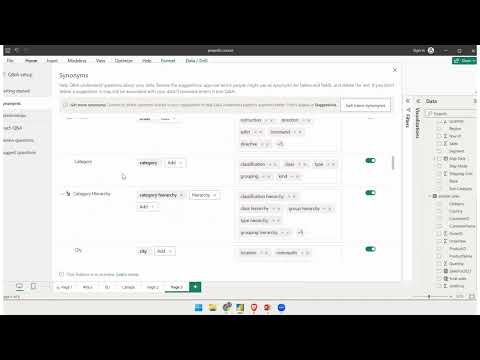
Learn how to leverage AI visuals in Power BI! In this video, Angelica dives into the Q&A visual, showing you how to ask questions using natural language and get visualized answers based on your data. Discover tips for improving Q&A results, modifying data categories, and managing synonyms. 👍 If you enjoy this video and are interested in formal training on Microsoft Teams, Power BI, Power Apps, Azure, or other Microsoft products you can visit for 40% off On-Demand Learning! -- - - - - - - - - - - - - - - - - - - - - - - - - - - - - - - - - - - - - - - - - - - - - -- - - - - - - - - - - - - - - - - - - - - - - - Next step on your journey: 👉 On-Demand Learning - Start With The FREE Community Plan: 🔗Pragmatic Works On-Demand Learning Packages: 🔗Pragmatic Works Boot Camps: 🔗Pragmatic Works Hackathons: 🔗Pragmatic Works Virtual Mentoring: 🔗Pragmatic Works Enterprise Private Training: 🔗Pragmatic Works Blog: Let's connect: ✔️Twitter: ✔️Facebook: ✔️Instagram: ✔️LinkedIn: ✔️YouTube: Pragmatic Works 7175 Hwy 17, Suite 2 Fleming Island, FL 32003 Phone: (904) 638-5743 Email: training@ #pragmaticworks 00:00 Introduction to AI Visuals in Power BI 01:48 Understanding the Q&A Visual in Power BI 03:01 Using Natural Language Queries 07:12 Customizing Visuals 09:30 Training Q&A for Improved Recognition 14:40 Reviewing and Suggesting Questions
- 17322Просмотров
- 1 год назадОпубликованоPragmatic Works
Q&A Visual Explained - AI Visuals in Power BI
Похожее видео




Популярное
Новини