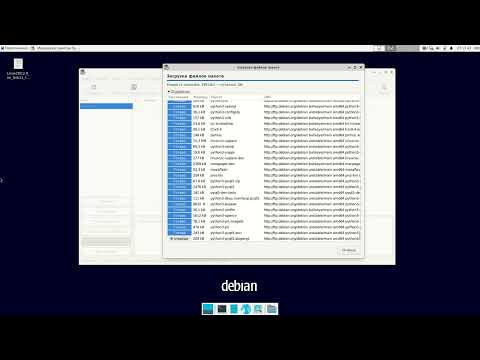
Installing LinuxCNC is a bit tricky. So i made this video, showing how i successfully installed it on my computer. Here are Links to follow: Projekt Page: Get the Icons here: If you like my work please consider supporting me on Patreon: affiliate Link to the GK41 on Amazon: References to the installation process: Debian Download Page: LinuxCNC Wiki on Kernel Parameters: Studio Code: - Chapters - 00:00 Welcome & Intro 00:23 The PC i use 01:16 Install Debian 02:25 Realtime Kernel 03:33 Install LinuxCNC 05:04 HAL Latency Test 05:25 Auto Login and Autostart LinuxCNC 06:25 Visual Studio Code & LinuxCNC Plugin 06:56 Local Git Repository 08:11 high res LinuxCNC Icons 09:33 conclusion
- 15408Просмотров
- 2 года назадОпубликованоThe Art of Tinkering
Tipps and Tricks installing LinuxCNC 2.10
Похожее видео








Популярное
Новини