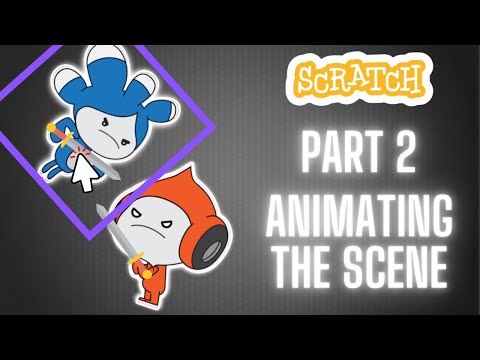
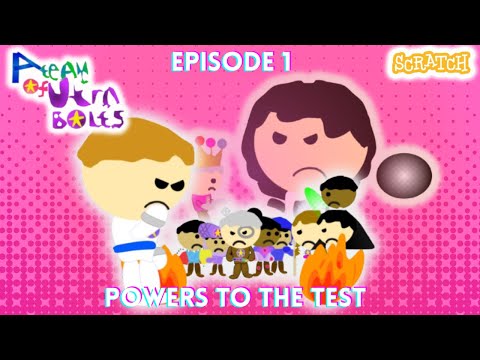
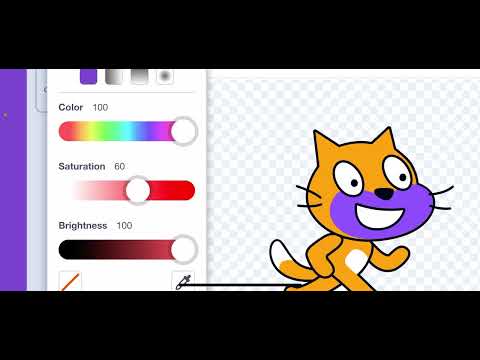
🔥 Scratch Fight Scene Tutorial – Part 1/3 🔥 Welcome to the first instalment of my free Scratch fight scene animation course! In this episode, we’ll start building the foundation of our fight scene! I’ll guide you through setting up your characters (using Scratch mascots), designing the weapons, and preparing everything for the action ahead. 🎨 What you'll learn in Part 1: • How to choose characters • Setting the scene with simple but dynamic backgrounds • Drawing your own weapon for the scene • Basic setup for your fight sequence 👉 Stick around for Parts 2 and 3, where we dive into action, coding, effects, and sound! if you want to watch my animated Scratch series that contains fight scenes, watch it here: “A Team of Utra Bolts'': Watch my Rolling Sky Obstacles Blender Remake Challenge: Check out my Procreate art: Check out my Blender animations: Watch my fandom videos: —————————————————————————— Hello! I'm King Sam and welcome to my YouTube channel! I make animations on an animating software called Blender and a coding website called Scratch. I also enjoy making art, and I'm currently working on a children's book series. On this channel, you'll find Blender tutorials and time lapses, art time lapses, my Scratch projects, and Blender animations. I hope you enjoy my content! #ScratchTutorial #ScratchCoding #LearnToCode #CodingForKids #ScratchTips #ScratchProjects #CodeWithMe #kingsam #kingsamanimations #scratch #ScratchFightScene #FightSceneAnimation #ScratchAnimation #AnimationTutorial #ActionInScratch #ScratchBattle #CreativeCoding #ScratchForBeginners #Edutainment #DigitalCreativity #STEMEducation #TechForKids #ScratchGames #AnimationChallenge
- 380Просмотров
- 6 месяцев назадОпубликованоKing Sam Animations
Scratch Fight Scene Tutorial Part 1: Setting the Characters & the Stage | King Sam Animations
Похожее видео




Популярное
Новини