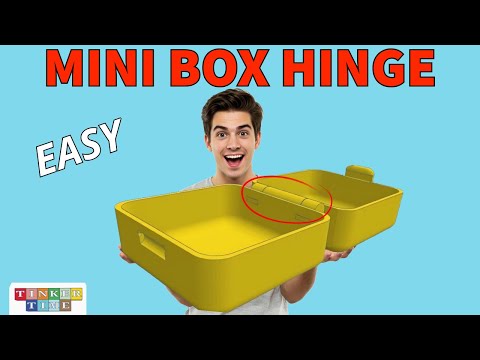
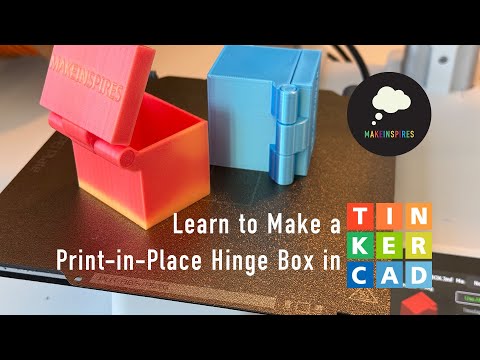
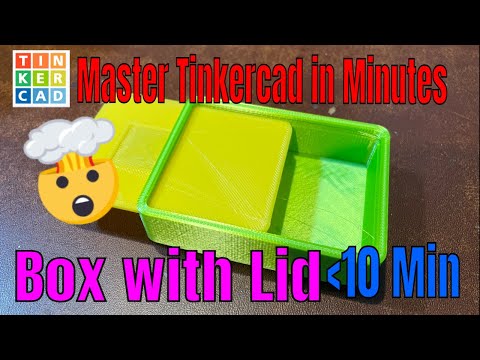
In this video I teach you how to create a mini utility box! It can be used for jewelry, lost teeth and more! It has a simple clasp to keep it shut. The hinge will print in one piece and function perfectly after it has been printed. You can also download the file here to print one yourself on from the link: :6586061 If you are brand new to 3D printing and you want the essentials to get started, here are the software download links you'll need and my Amazon affiliate links so you can save a little money and get the exact items that you need to get started 3d printing: Tinkercad website for FREE online cad design: FlashPrint 5 slicing software download link: Flashforge Adventurer 5M 3D Printer: Flashforge Printer Filament (the good stuff): Red: Matte Red: Black: Blue: Skydiver Blue: Purple: Nebula Purple: Green: Orange: Yellow: Rose Quartz: White: Matte White: Natural: Grey: Burnt Titanium: Orange Green Gradient: Rainbow: Blue Pink Gradient: Blue Yellow Gradient: Galaxy Blue: Galaxy Matte Black: Marsala: Matte Black: Matte Blue: Hairspray for build plate: Excellent HP laptop for 3D printing: Ultrawide external monitor: External mouse: External keyboard: Wireless Keyboard and Mouse Combo:
- 129974Просмотров
- 1 год назадОпубликованоTinker Time
How To Make: Mini Box Using Tinkercad For 3D Printing - Tinker Time
Похожее видео


Популярное
Новини