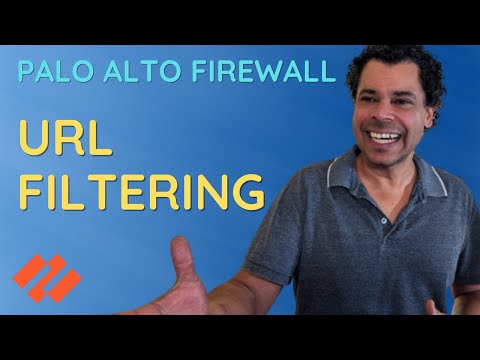
Imagine you're a Palo Alto firewall administrator, and your company wants to block all social media—except for YouTube. How do you approach this? Do you use FQDN objects, URL Categories, or URL Filtering in the Security Policies? If you've ever been unsure about when to use each method, you're not alone—I was in the same boat a few years ago. In this video, I break it all down with clear explanations and following live examples: - Allow access to for the AD group grp_fw_developers - Allow access to *. for the AD group grp_fw_github - Allow access to category Gambling for the group grp_fw_gambling - Allow all users to access some categories and deny access to others 🌐 Useful Links - FREE NETSums Resources: - Join the community for FREE: 👍 Like, Share, and Subscribe for More: If you find this tutorial helpful, don't forget to give it a thumbs up, share it with your colleagues, and subscribe to our channel for more in-depth tutorials on network security and technology best practices. 🔗 Connect with Us: If you have questions, suggestions, or any kind of feedback, please don't hesitate to comment below! We will reply as soon as possible. #PaloAlto #NetworkSecurity #Tutorial #paloaltofirewall #paloaltonetworks #firewall Timeline 00:00 URL Category vs. URL Filtering vs. FQDN 1:08 Task 1: Allow access to 6:12 Task 2: Allow access to *. 12:24 Task 3: Allow access to category Gambling 15:29 URL Category vs. URL Filtering 18:13 Task 4: Allow access to certain categories
- 4662Просмотров
- 7 месяцев назадОпубликованоNETSums
URL Category vs. URL Filtering: When to Use Each in Palo Alto Firewalls
Похожее видео




Популярное
Новини