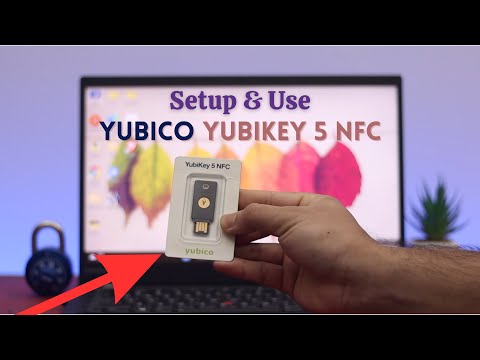
How To Create A Backup Yubikey In this video I am going to show you how to register 2 Yubikeys with your online accounts so that you can use either Yubikey to login, or maybe you already have a Yubikey and are going to purchase a second Yubikey to have as a backup, well I will also show you in this video how to re-register your original Yubikey and register your backup Yubikey. In this video example I will be using a Google Account to complete the registration process but this should also work for other online accounts that support 2FA/Authenticator codes to login to your account in addition to your usual username & password. If you have already setup a Yubikey then you might like to just skip to Chapter 4 at Timecode 12:52 which will take you directly to the process of re-registering your original Yubikey & creating a backup Yubikey. Chapters 00:00 Intro 01:00 Download & install Yubico Authenticator app 02:42 Setting up two Yubikeys for Google Account 12:52 Register new Yubikey & re-register first Yubikey 18:50 Outro PLEASE NOTE THIS VIDEO DOES NOT COVER WHAT'S CALLED PASSKEYS If you are thinking of purchasing Yubikeys or a new Yubikey to be used as a backup, then you can use the link below which will give you €5 Euros off a new Yubikey 5C NFC which supports NFC technology and also has a USB C plug. #yubico #yubikey Join this channel to get access to perks:
- 6143Просмотров
- 10 месяцев назадОпубликованоMrTimTech
How To Create A Backup Yubikey
Похожее видео






Популярное
Новини