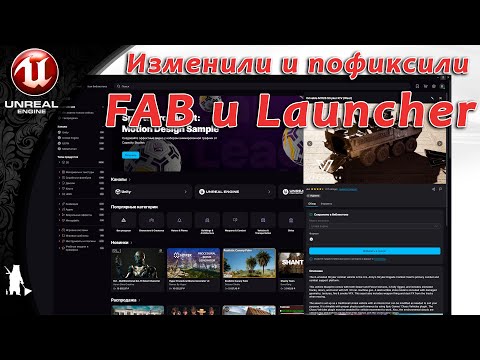
Discover the new FAB in Launcher for Unreal Engine! In this video, I explore the latest update as both a customer buying 3D assets and a creator publishing assets on the FAB marketplace. You’ll see: ✅ How FAB in Launcher works for browsing and purchasing assets ✅ The workflow for uploading and publishing your own 3D content ✅ Tips for creators selling on the FAB marketplace ✅ My honest impressions as both buyer and seller Whether you’re an Unreal Engine artist, game developer, or marketplace creator, this deep dive will help you understand how FAB in Launcher can improve your workflow. 👉 If you find this helpful, don’t forget to like, subscribe, and drop a comment with your experience using FAB! Link to the FAB in launcher instructions: Link to the asset I was creating in the video: 📌 Chapters / Timestamps (optional – if you want, I can make these for you if you share the rough video sections): 0:00 Intro 1:59 Exploring FAB as a customer 06:36 Testing asset purchasing 18:56 Uploading assets as a creator 27:12 FBX export 29:37 Other formats 32:30 Publishing workflow review 43:08 FAB publishing 01:00:53 Final thoughts #UnrealEngine #FABMarketplace #3DAssets #GameDev
- 236Просмотров
- 2 месяца назадОпубликованоMidgard Geographical Society
FAB in Launcher Deep Dive – Buying & Selling Unreal Engine Assets (Full Walkthrough)
Похожее видео




Популярное
Новини