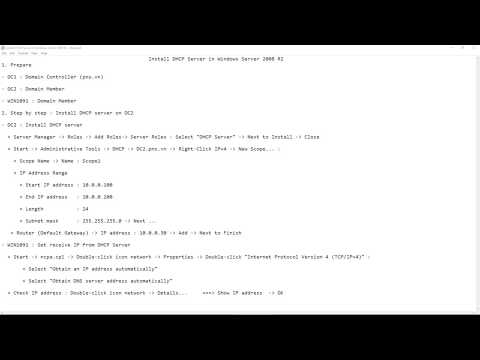
Use Problem Steps Recorder to record actions in Windows Server 2008 R2 1. Prepare - DC1 : Domain Controller ( ) - DC2 : Domain Member 2. Step by step : Use Problem Steps Recorder to record steps install DHCP server on DC2 - DC2 : Use Problem Steps Recorder to record steps install DHCP server + Start - Problem Steps Recorder - Record steps to reproduce a problem - Start Record + Server Manager - Roles - Add Roles- Server Roles : Select "DHCP Server" - Next to Install - Close + Start - Administrative Tools - DHCP - - Right-Click IPv4 - New Scope... : + Scope Name - Name : Scope1 + IP Address Range + Start IP address : + End IP address : + Length : 24 + Subnet mask : - Next ... + Router (Default Gateway) - IP address : - Add - Next to Finish + Problem Steps Recorder - Stop Record - File name : Install DHCP server + Right-click "Install DHCP " - Extract Here + Double-click file .mht === Review actions
- 736Просмотров
- 8 лет назадОпубликованоmicrosoft lab
Use Problem Steps Recorder to record actions in Windows Server 2008 R2
Похожее видео











Популярное
Новини