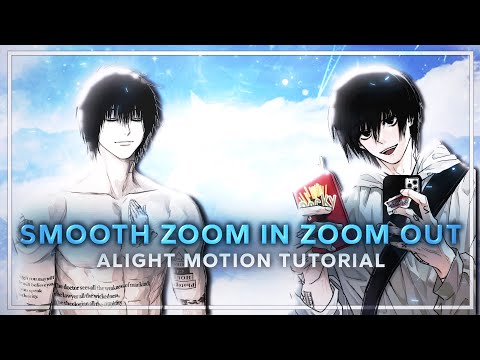
🎬 Welcome to the Editing Tutorial! In this video, I'll guide you through how to create Smooth Zoom In and Zoom Out with the Swing Effect using Alight Motion! Creating these edits is actually very easy and you can also make them, this tutorial will definitely help you improve. 🛠️ Software/App Used: Alight Motion 📱 Version: 🎵 Song: Dreams Pt II 👤 Character Used: Sung Jinwoo 🖼️ Images From: Pinterest 🔊 Credits: Huge thanks to the creators whose resources made this video possible. All sound effects, overlays, and plugins belong to their respective owners and are used for educational purposes only. Full respect and credit to every original creator. 💬 Have any questions or tutorial requests? Drop a comment below, I'll try to reply to as many as I can! 👍 Don't forget to Like, Subscribe, and Share if this video helped you. Your support means a lot! Thanks for watching and keep creating! 🚀🎧 🏷️ Tags: #VideoEditing #alightmotion #Tutorial #SmoothEdits #sekroz #EditingTips #anime #alightmotionedit 🎹 Keywords: alight motion transition alight motion zoom in alight motion tutorial Ae like edit tutorial Tiktok edits tutorial Alight motion edit tutorial Alight motion intro Edit tutorial alight motion Tiktok new trend edit tutorial How to Make tiktok edits Alight motion intro xml Text animation tutorial Hot intro alight motion Intro edit tutorial alight motion
- 3572Просмотров
- 2 месяца назадОпубликованоSekroz
Smooth Zoom In and Out Tutorial in Alight Motion
Похожее видео




Популярное
Новини