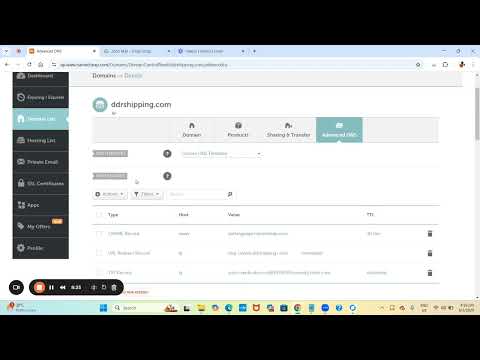
Sending emails from Zoho Mail? Make sure your domain is authenticated to avoid spam folders and protect your brand from spoofing. In this step-by-step tutorial, we’ll guide you through setting up SPF, DKIM, and DMARC for your Zoho domain using Namecheap’s DNS panel. We’ll walk you through: - Adding SPF, DKIM, and DMARC records in Namecheap - Verifying records in Zoho Admin Console - Avoiding common mistakes and improving email deliverability - Using PowerDMARC for better visibility and protection ✅ Bonus: Learn how to get an A+ rating for your email security! Try PowerDMARC’s free domain analyzer: Subscribe for more email security tips! ⏱️ Timestamps: 00:00 – Why email authentication matters in Zoho Mail 00:22 – Step 1: Add your domain in Zoho Admin Console 01:03 – Step 2: Set up SPF record for Zoho Mail 01:27 – Step 3: Set up DKIM (DomainKeys Identified Mail) 01:46 – Step 4: Set up DMARC record with policy and alignment 02:38 – Step 5: Verify your DNS records in Zoho 02:57 – Using PowerDMARC’s domain analyzer for testing 03:13 – Final tips for full domain protection
- 4829Просмотров
- 6 месяцев назадОпубликованоPowerDMARC
How to Set Up SPF, DKIM, and DMARC for Zoho Mail (Using Namecheap DNS)
Похожее видео









Популярное
Новини