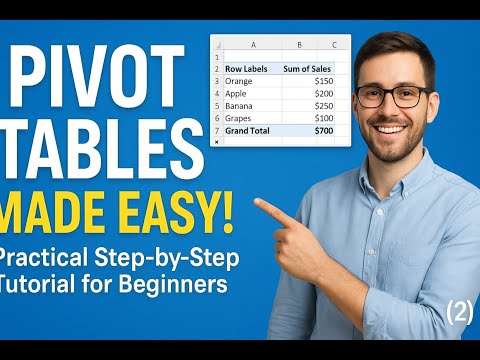
Struggling to make sense of your data in Excel? Don’t worry! In this step-by-step tutorial for beginners, we’ll show you how to create, customize, and analyze Pivot Tables in minutes. Learn how to summarize large datasets, spot trends, and make smarter decisions with ease! What you’ll learn in this video: ✅ How to create your first Pivot Table ✅ Rearrange, filter, and sort data like a pro ✅ Summarize data with sums, averages, and counts ✅ Tips & tricks to save time and avoid mistakes Whether you’re a student, professional, or Excel enthusiast, this tutorial will help you master Pivot Tables quickly and confidently. 📺 Missed earlier lessons? Watch the full Excel series playlist: 🔔 Subscribe for Weekly Data Tutorials More Excel guides, data cleaning tricks, and analytics lessons every week: 📘 Grow Beyond Money – Discover Hidden Value Get my new eBook “4 Unutilized Currencies” with a 30% discount: ⭐ Practice with Real Data Sign up and download any Kaggle dataset for hands-on learning: #ExcelTutorial #ExcelForBeginners #DataDrivenPath #PivotTables #ExcelTutorial #ExcelForBeginners #DataAnalysis #stepbysteptutorial
- 30Просмотров
- 2 недели назадОпубликованоData Driven Path
Pivot Tables Made Easy! Step-by-Step Tutorial for Beginners
Похожее видео








Популярное
Новини