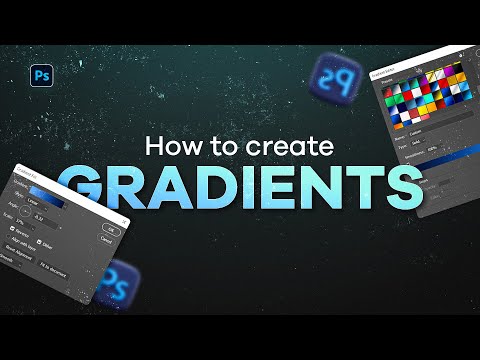
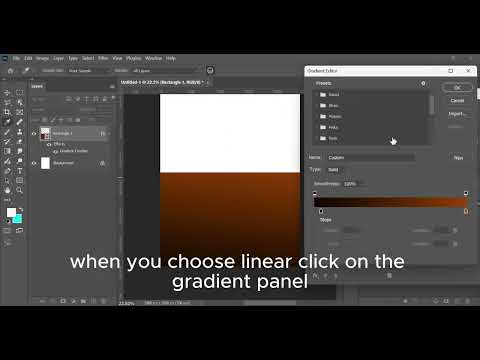
In this video, we cover the three essential methods for creating smooth, professional gradients in Photoshop, reducing banding effects, and achieving cohesive color blends: How to use the basic Gradient Tool (G) for quick, destructive color fills. Working with the Gradient Fill Adjustment Layer for non-destructive and highly adjustable results. Using Gradient Overlay on shape layers for fast background creation. Jump to the section you need: 00:00:00 Intro & Overview 00:00:15 Setting up a New Layer 00:02:09 Linear Gradient Style Walkthrough 00:04:15 Radial Gradient Style Walkthrough 00:05:57 Method 2: Using the Gradient Fill Adjustment Layer 00:08:40 Using Reverse and Scale to customize your radial gradients 00:10:58 Method 3: Gradient Overlay on a Shape 00:12:10 Final Tips & Conclusion #PhotoshopTutorial #GradientTool #CreateBackgrounds #PhotoshopBeginner #GraphicDesignTips #LinearGradient #RadialGradient #PSMasterclass
- 36Просмотров
- 2 недели назадОпубликованоcreative Spark Tuts
Photoshop GRADIENT TOOL Tutorial: Create Stunning Backgrounds || Beginner Friendly
Похожее видео


Популярное
Новини