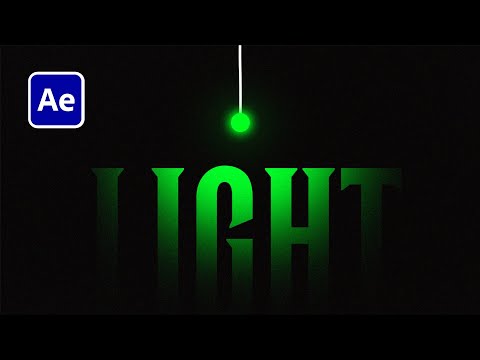
Learn how to create slick 3D text animations in Adobe After Effects — no plugins required. In this easy-to-follow tutorial, I’ll show you how I build clean, dimensional text using only native tools and a bit of creative layering. Whether you're new to animation or want to level up your motion design skills, this method is simple, fast, and perfect for social content, titles, or branding. 🔧 Tools used: – Adobe After Effects (2024) 🧠 What you’ll learn: – How to create 3D-style text in AE – Key animation tips for smooth motion – How to add depth 💻 Follow along and tag me if you share your results! 👉 More design & motion tips on; Instagram: @PaulaBaines TikTok: @paulinebaines Client work: 🚀 Subscribe for more After Effects tutorials, design tips, and freelance life vlogs: @PaulineBaines #AfterEffects #3DText #MotionDesign #AdobeTutorial
- 1622Просмотров
- 3 месяца назадОпубликованоPauline Baines | Freelance Motion Designer
3D Text Animation in After Effects — Fast & Easy Tutorial
Похожее видео


Популярное
Новини