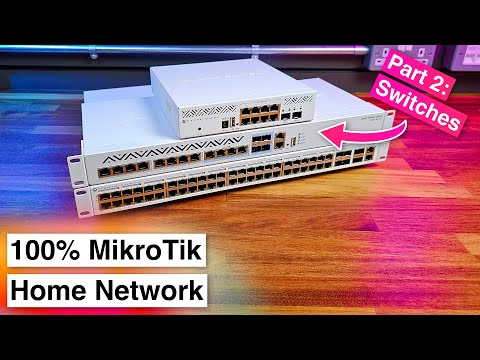
In today's video we kick off a new series where I migrate my home network to run entirely on MikroTIk hardware. In this first episode we'll take a look at the MikroTik RB5009 router I'll be using then in future episodes we'll take a look at the switches, access points and then finally the completed network up and running and talk about my thoughts. Buy MikroTIk Hardware from this video's sponsor, MS Dist and get 5% off your order using discount code "CAM5" at checkout or by using link - MS Dist Store: - MikroTik RB5009UPr+S+IN: - MikroTik RB5009 Rack Mount Kit: - MikroTik CRS312-4C+8XG-RM: - MikroTik CRS354-48P-4S+2Q+RM: - MikroTik CRS310-8G+2S+IN: - MikroTik cAP ax: Chapters: 00:00 - Introduction 00:55 - Who are MikroTik? 02:02 - Hardware Tour 04:55 - Specs 05:24 - Hardware Block Diagrams 08:03 - Software Tour 13:21 - RouterOS Terminal 15:21 - RouterOS Safe Mode 16:52 - Power Consumption 17:41 - Rack Mounting 21:30 - Installing the MikroTik RB5009 22:38 - PoE Powering an Openreach Fibre ONT 23:25 - Conclusion *AFFILIATE LINKS NOTICE:* Product links under this video marked “(Affiliate)” are affiliate links where I may receive a small commission on qualifying sales. Affiliate programs that I am a member of include, _but are not limited to:_ Amazon Associates, eBay Partner Network and AliExpress Affiliates. As an Amazon Associate I earn from qualifying purchases. Purchasing through these affiliate links will not cost you any more money, however the commission earned significantly helps fund the production of videos on my channel.
- 65375Просмотров
- 7 месяцев назадОпубликованоCameron Gray
Switching to a 100% MikroTik Home Network! Part 1: MikroTik RB5009 Router
Похожее видео




Популярное
Новини