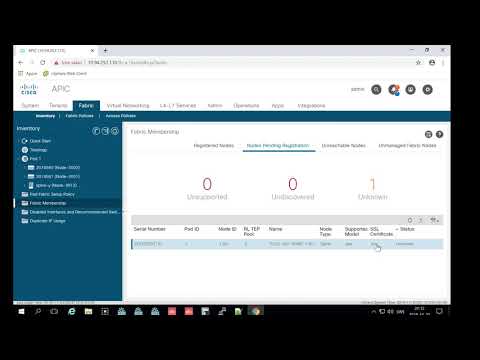
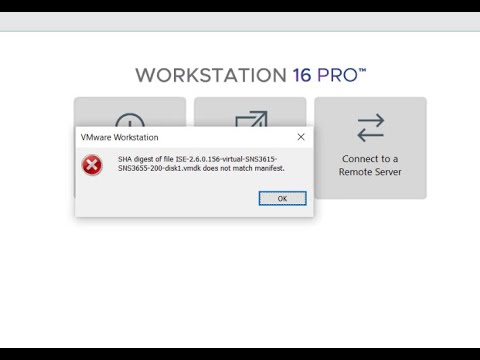
#aci #ciscoaci , #cisco , #ciscotech #ciscosystems #ciscotraining #vmware 00:00 Start burn Cisco ACI OVA file 01:59 Error happen 02:26 Check SHA and then fix error 05:36 Finish Change SHA and continues to burn OVA file 07:32 Import ACI OVA finish and start ACI Simulator 12:59 Cisco ACI started and login ACI GUI 17:08 Finish register leaf and spine switches ---------------------- How to Install Cisco ACI Simulator on VM Workstation: 1. Download OS from Cisco Software: 2. Change SHA digest: Using Window Powershell ======================== 2.1 unpack OVA file: tar -xvf filename 2.2 Get-FileHash * -Algorithm SHA1 (this value must match to value on 03:38 after extract) OR 2.2 get-filehash * ======================== 3. Import OVA into VMware Workstation 4. Connect to APIC and Discovery Switches. ----------------------- @NetworkLabRoom
- 5240Просмотров
- 2 года назадОпубликованоNetworkLabRoom
Cisco ACI: Install ACI Simulator 6.0-3d on VM Workstation (Fix Error SHA Digest NOT match manifest)
Похожее видео



Популярное
Новини