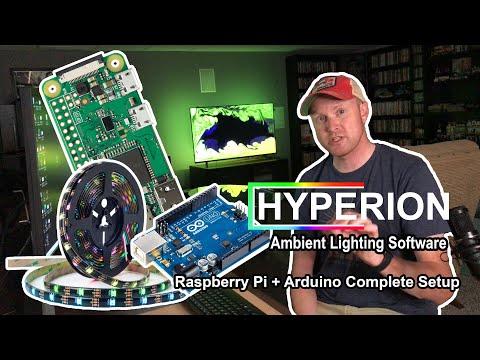
Hey everyone, in todays video I'll be showing you all how to make your own ambilight tv to use with your gaming systems using the program Hyperion on a raspberry pi. #Hyperion #Raspberrypi #Ambilight Feel free to join the discord : 0:00 -Introduction 1:17 -Part list 3:55 -LED measurements 4:15 -Hyperion install 8:22 -Placing LED strip 9:28 -Mounting the Pi 10:05 -Wiring 12:08 -HDMI splitter/Pi setup 13:54 -Practice test 14:26 -Hyperion setup 20:45 -RGB byte order wizard 21:58 -Gameplay/Goodbyes * ENABLE ROOT USER TEXT * sudo systemctl disable --now hyperion@pi sudo systemctl enable --now hyperion@root * DOWNLOADS * Hyperbian : Raspberry pi imager : puTTY : * PARTS USED IN THE VIDEO * Raspberry pi 3 : (optional) Raspberry pi 3 case : HDMI capture card : WS2812B LED strip : 5V 15A power supply : 2 OUT HDMI splitter : 2 OUT HDMI splitter ALT : Barrel jack connectors : Dupont wires : Velcro strips : Music credits go to! : Pyama: Karl Casey from White Bat Audio : rob0ne - Coffe Break : Some materials in this video are used under Section 107 of the Copyright Act of 1976, which allows "fair use" for purposes such as criticism, commenting, news reporting, teaching, and research. I am an Amazon Affiliate. I may earn a small commission on purchases using my product links.
- 57678Просмотров
- 2 года назадОпубликованоBelow Average Gaming
Make Your Room Come Alive with This DIY Ambilight System - Wow!
Похожее видео






Популярное
Новини